
About
Gonzaga’s Jesuit, Catholic, Humanistic education will challenge and inspire you.
1. Access My Media/Kaltura through the Canvas My Media tab or from https://mymedia.gonzaga.edu/
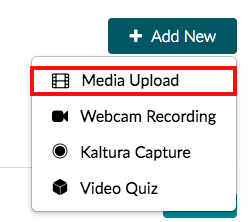
2. In the upper right corner of the page, select the Add New button, and choose Media Upload from the drop-down list, to open the media uploader.
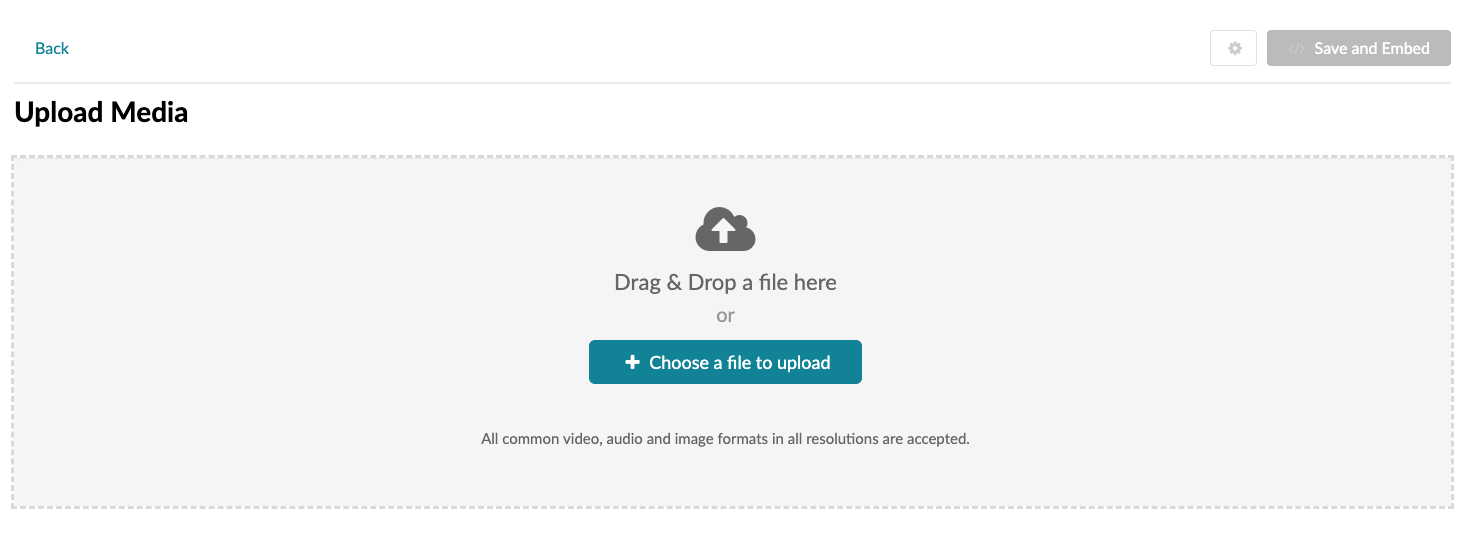
3. Click the + Choose a file to upload button to search your computer for the media file that you would like to upload; select the file; and click the Open button to begin uploading the file.
4. As the file uploads you may begin adding the details to the file. The details include:
5. When you are finished editing the details, click Save.