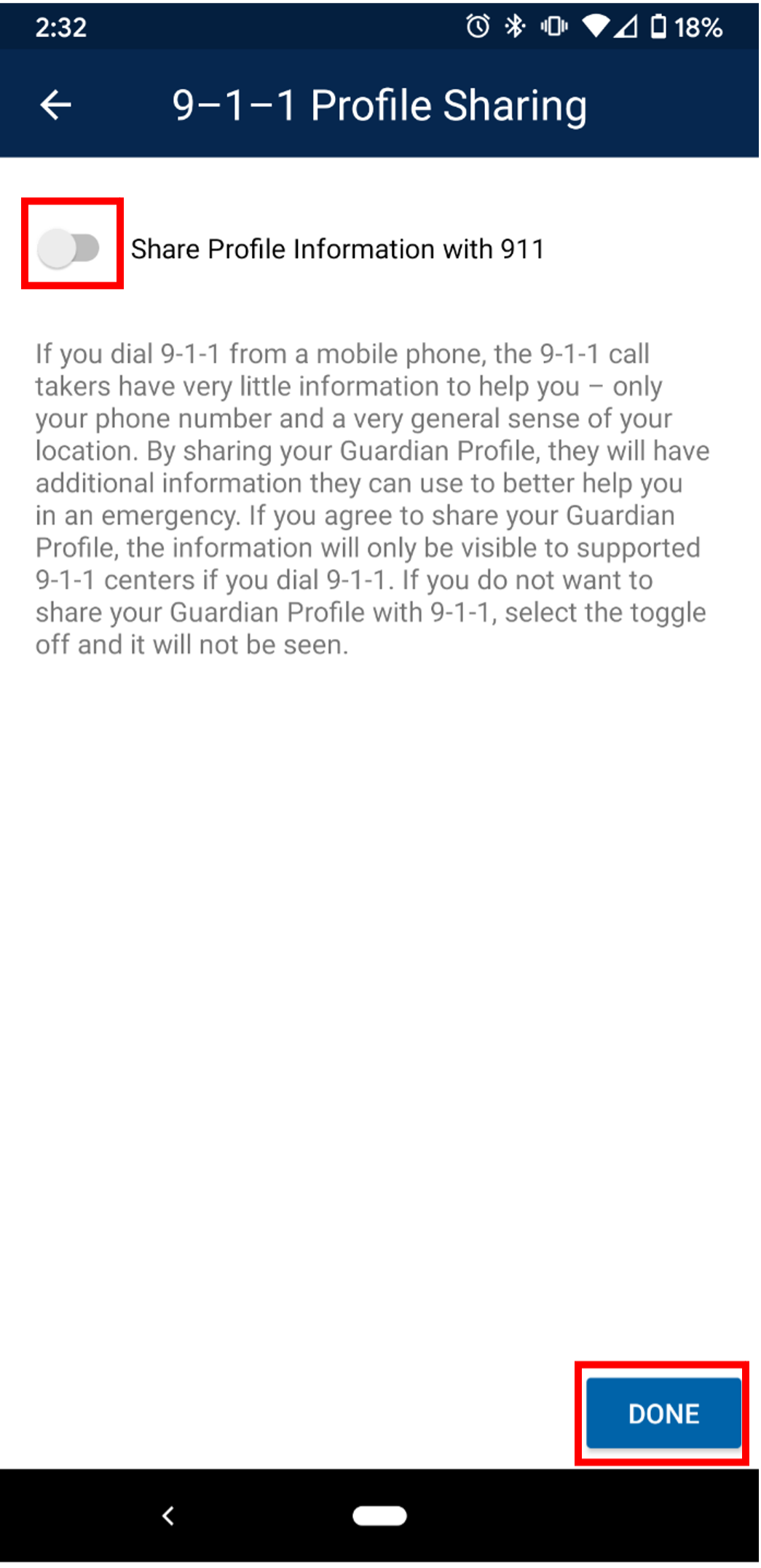
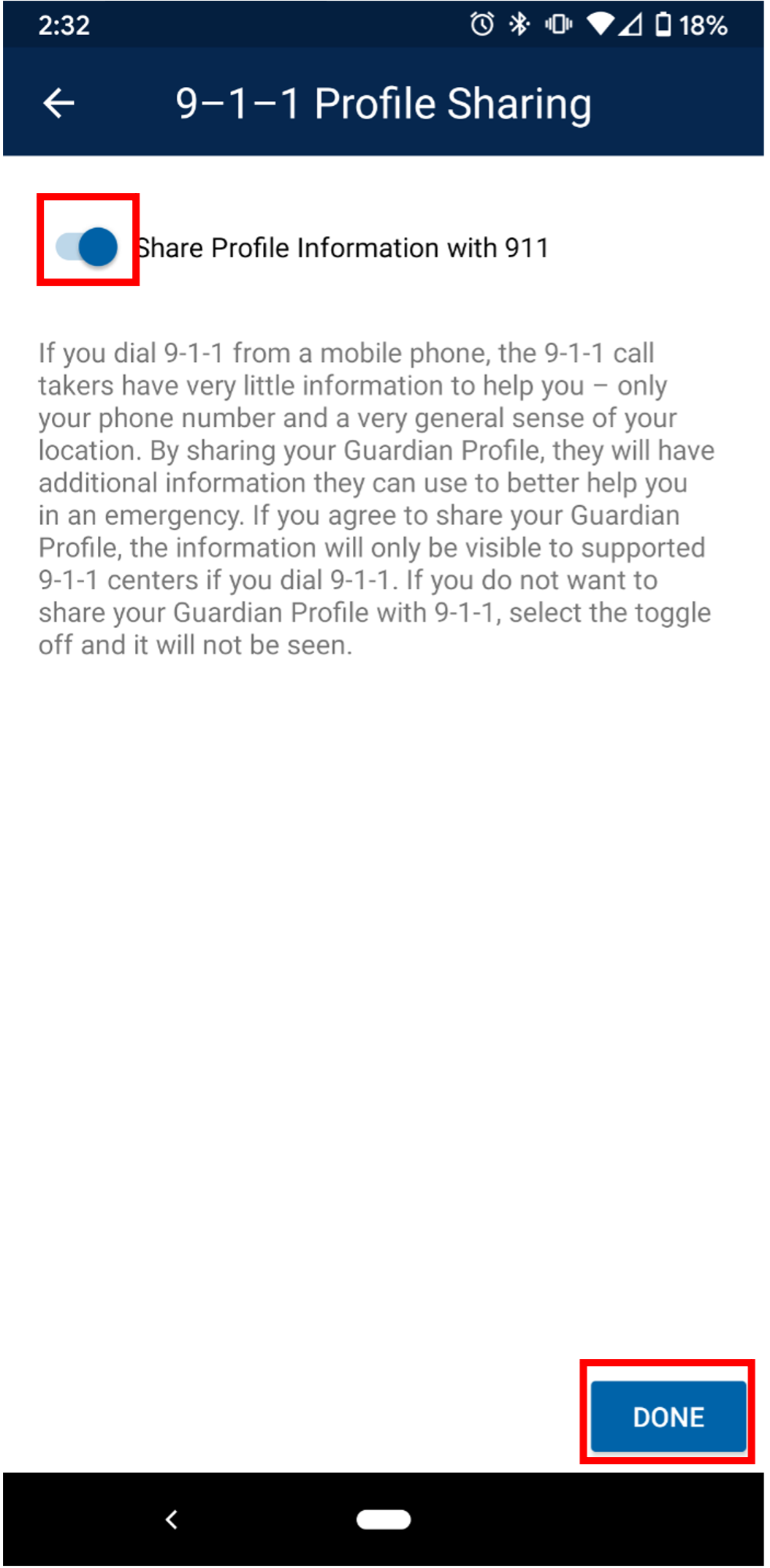
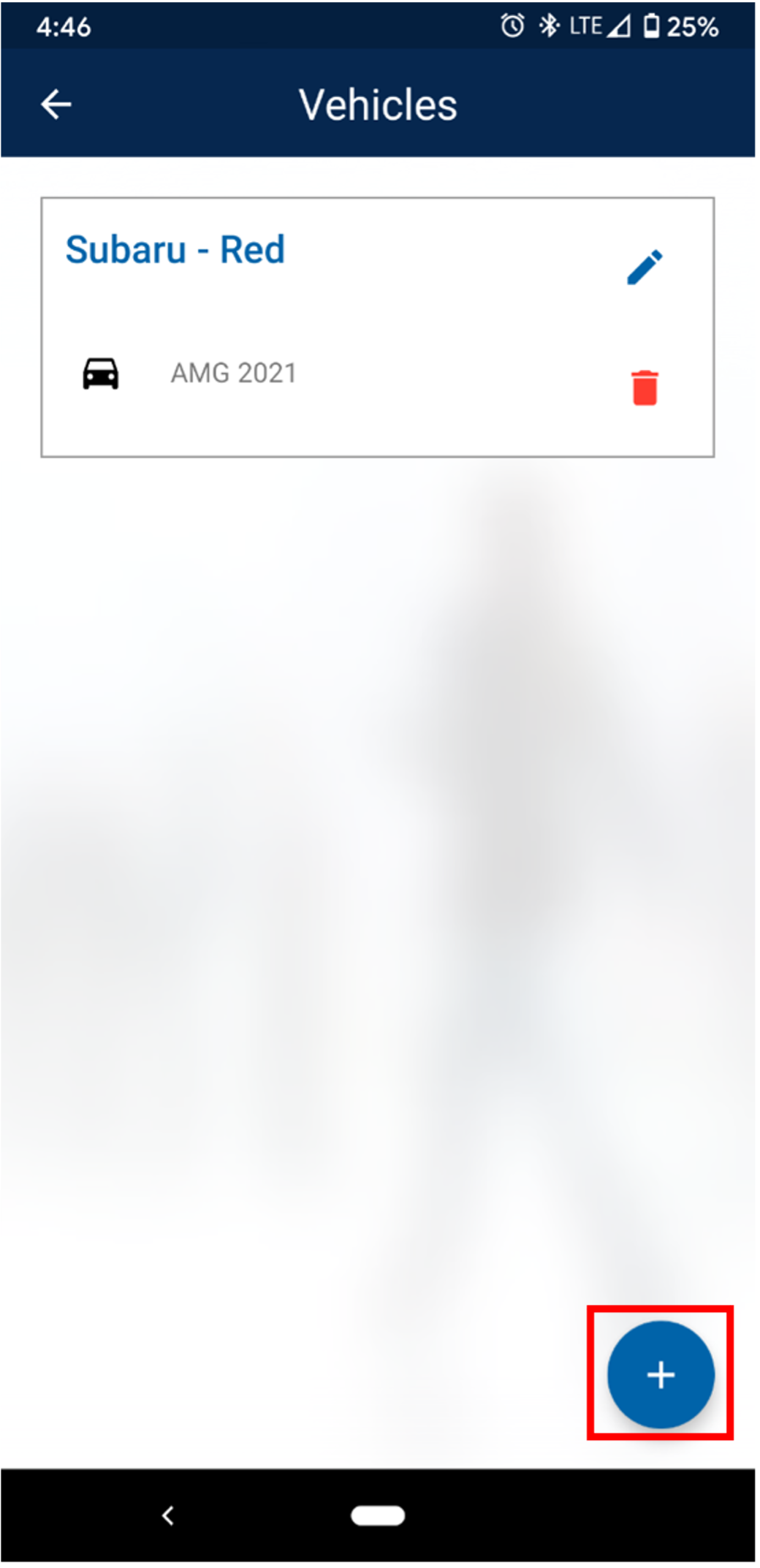
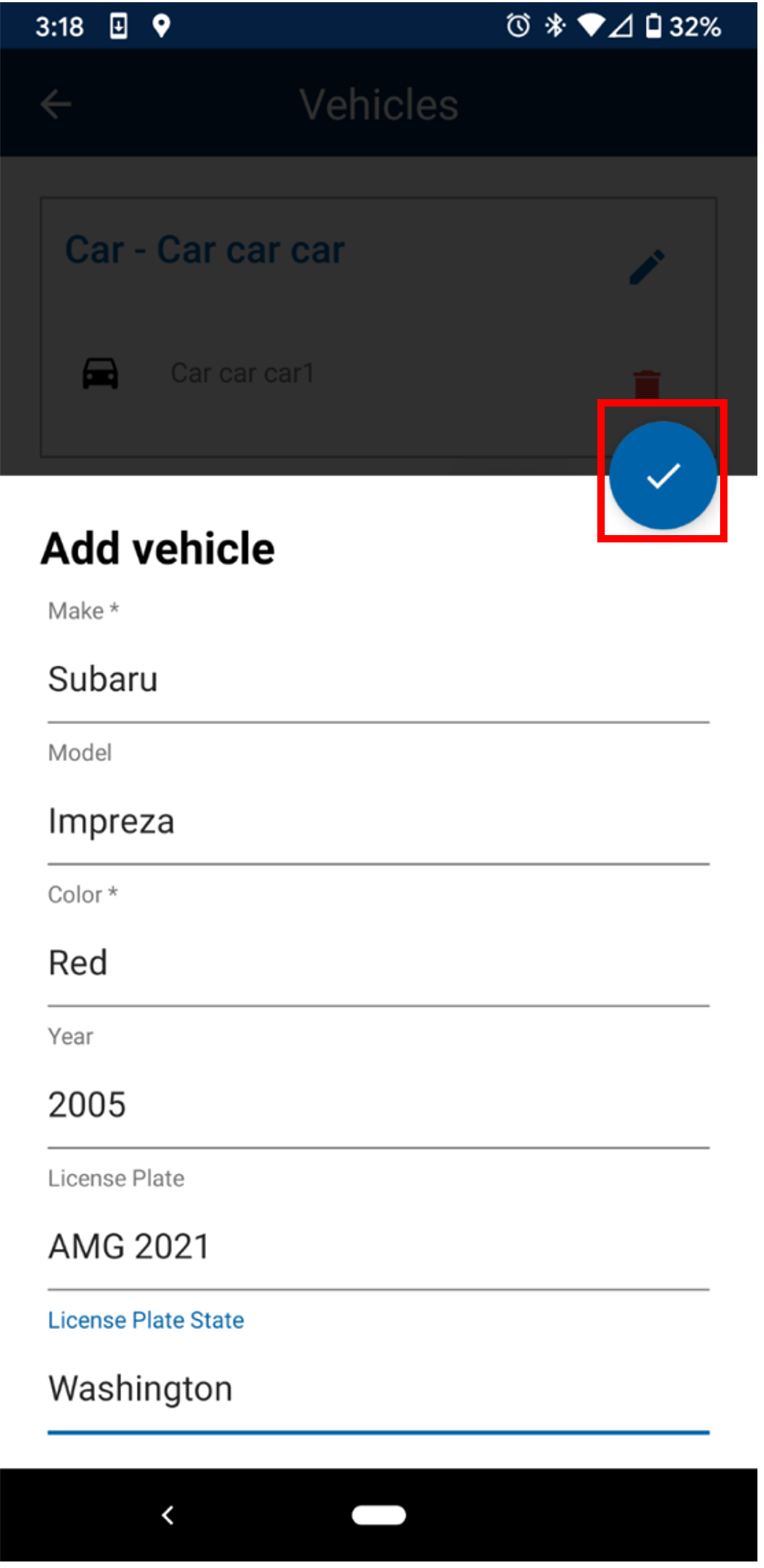
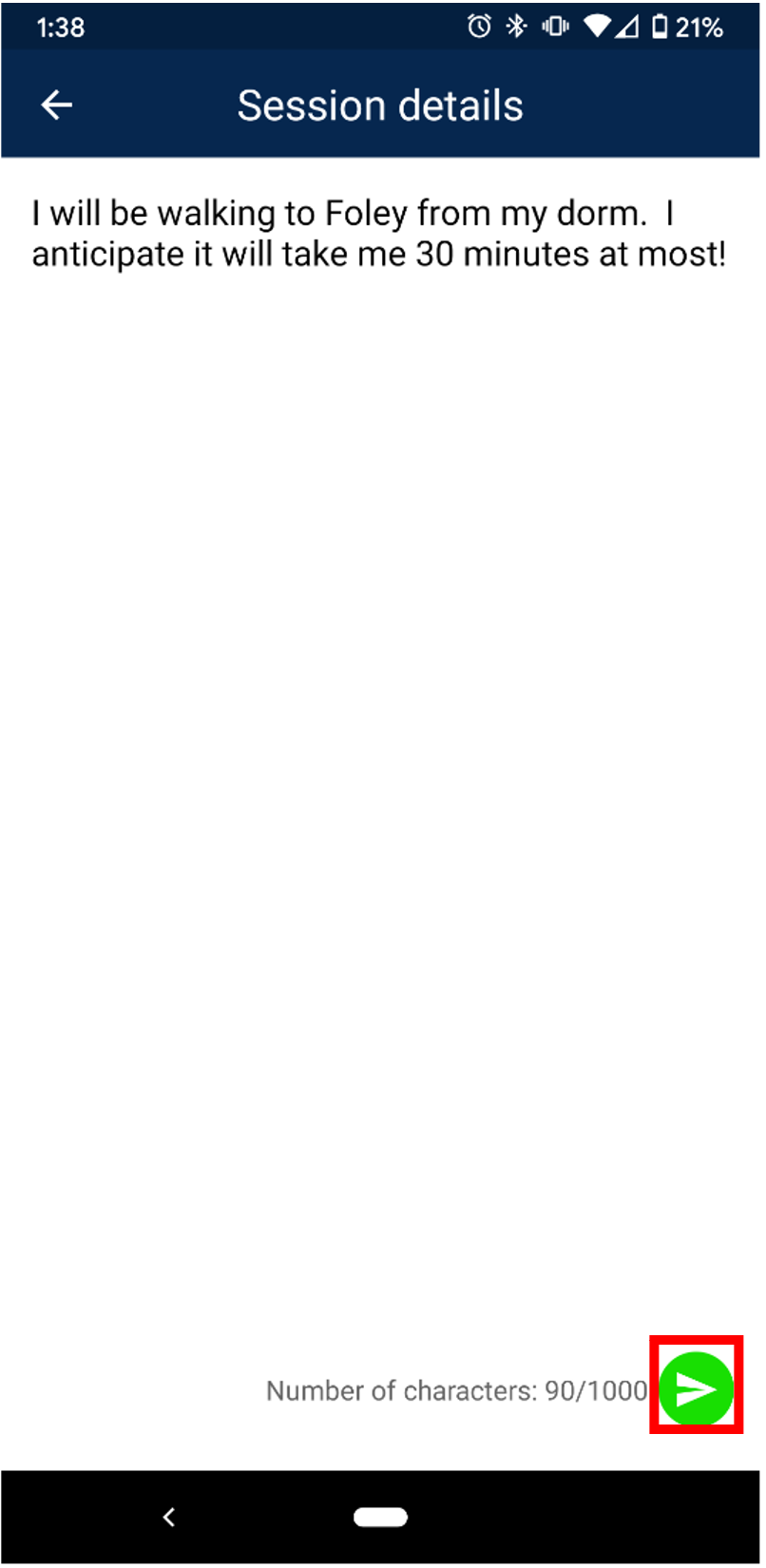
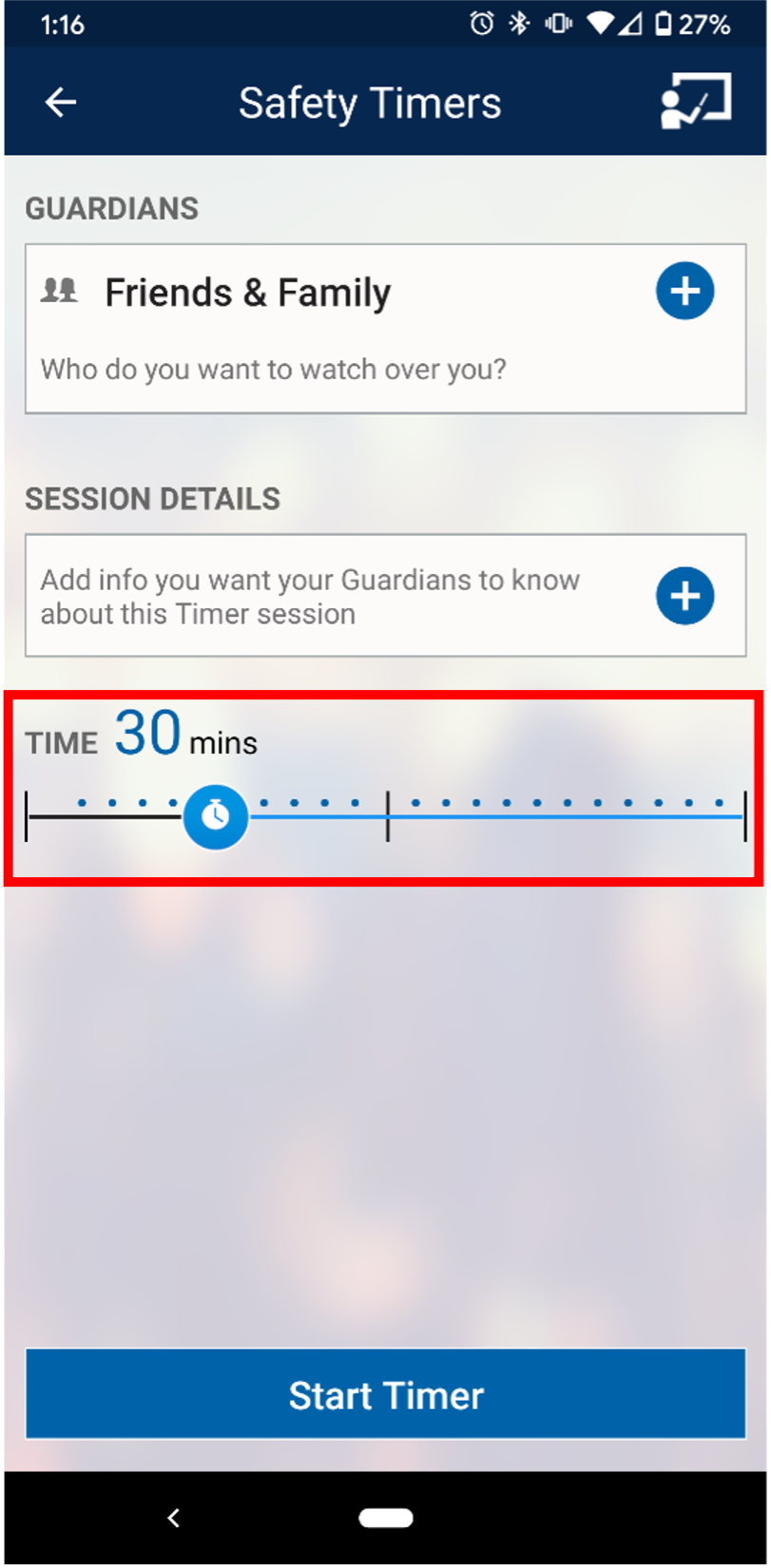
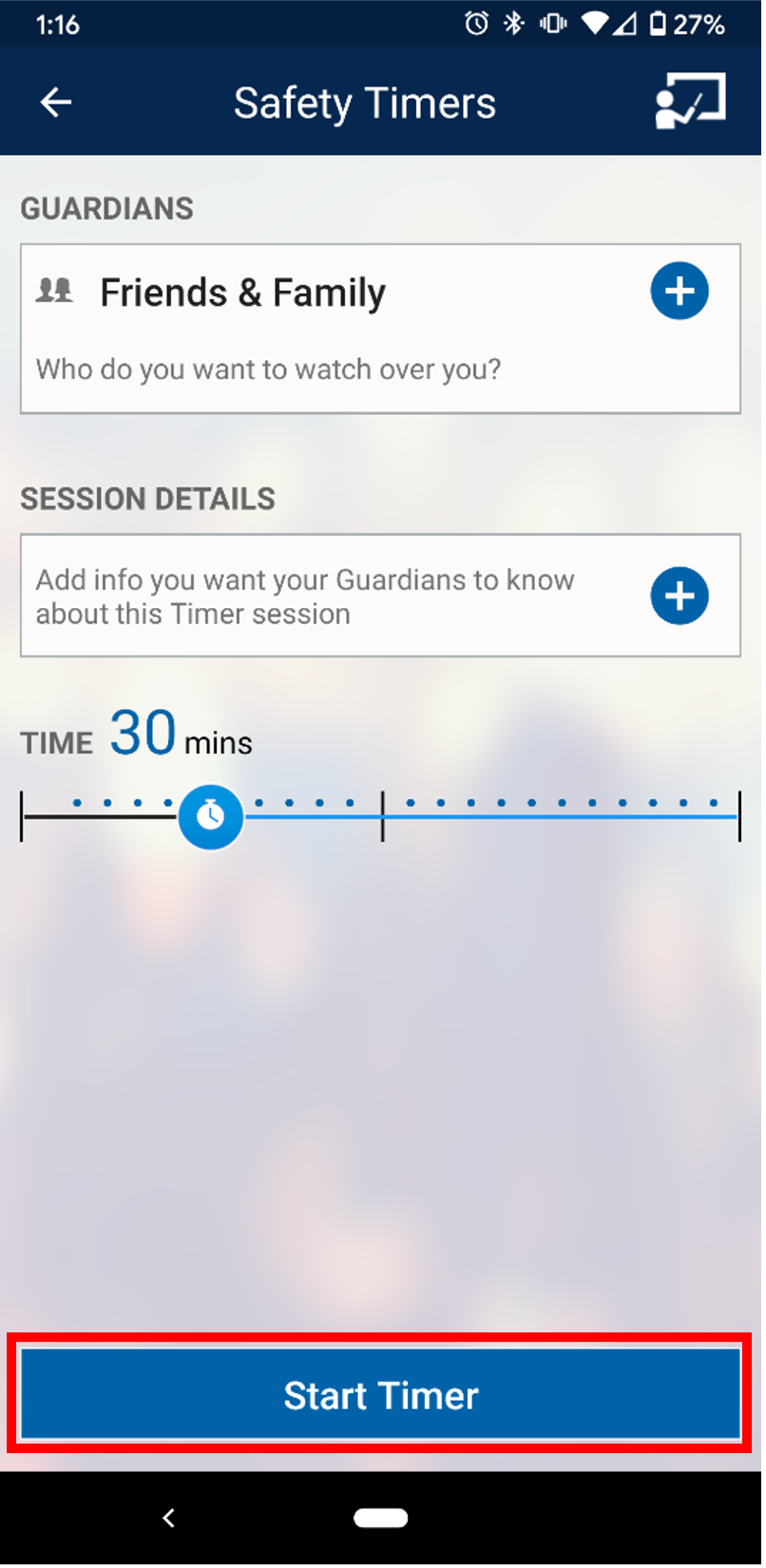
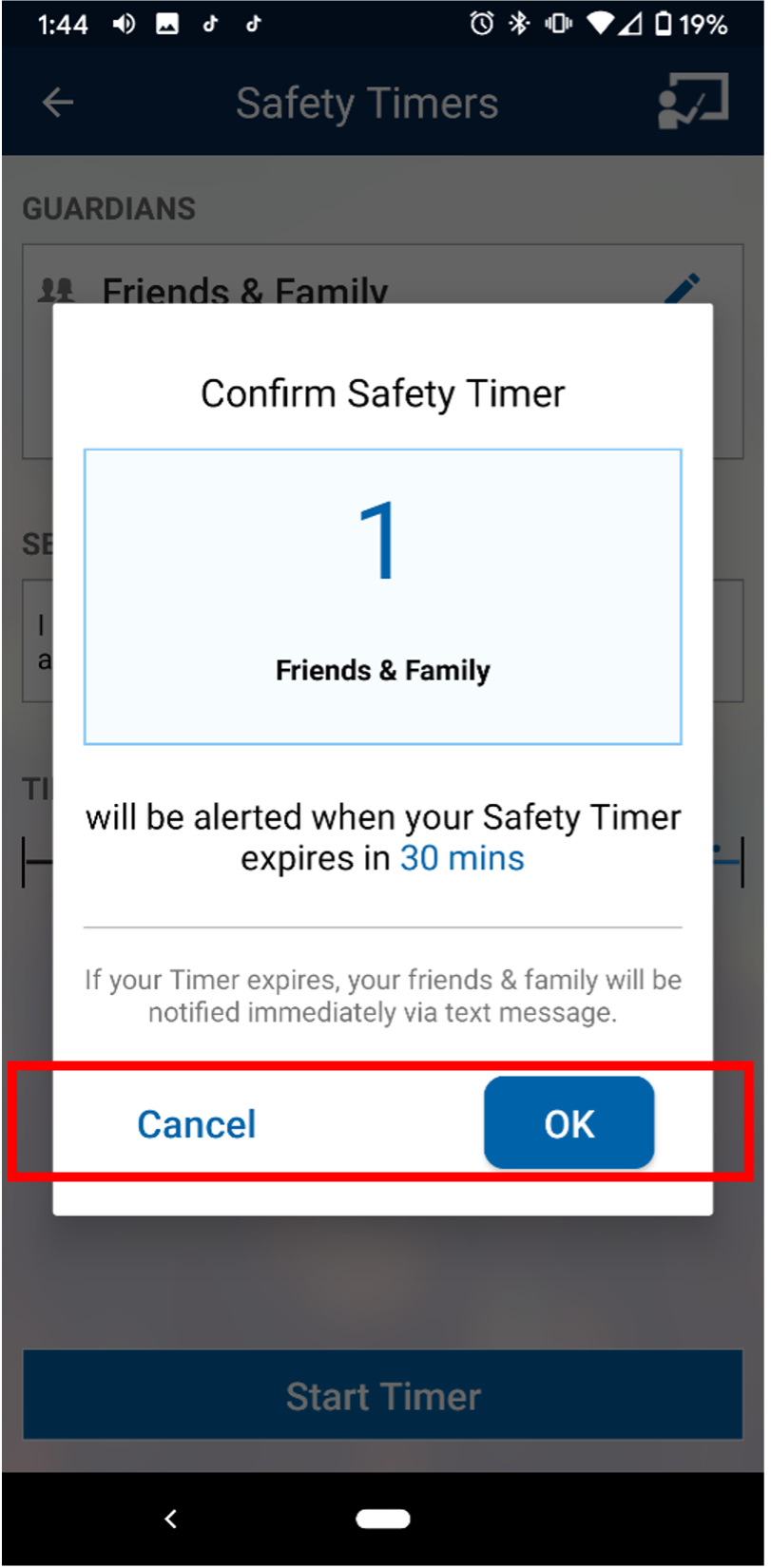
1: Open the Apple App Store (iPhone/iPad) / Google Play (Android) app on your mobile device. Search "Rave Guardian." It should be the first app and has a blue shield logo as its icon. Download the Rave Guardian App to your mobile device.
2: Open the Rave Guardian App and ensure your organization region is set to U.S. Enter your mobile phone number into the "Enter Mobile Number" box. A verification code will be sent to your device via text message.
3: After completing step two, you will be taken to a screen that asks for your organization email. Please enter your Gonzaga email address. The Rave Guardian application will only work for users with a Gonzaga email address. A verification email will be sent to the email address you entered. Copy the verification code you receive and enter it into the "Verification Code" box. Then, press continue. You will be asked to register for the app. Enter your first and last name, then press continue. This should log you into the Rave Guardian app.
4: The app will ask you to enable your location services. The app works best with location services selected as “always on,” but you may leave them off based on your preference.
Rave Guardian Application Overview:
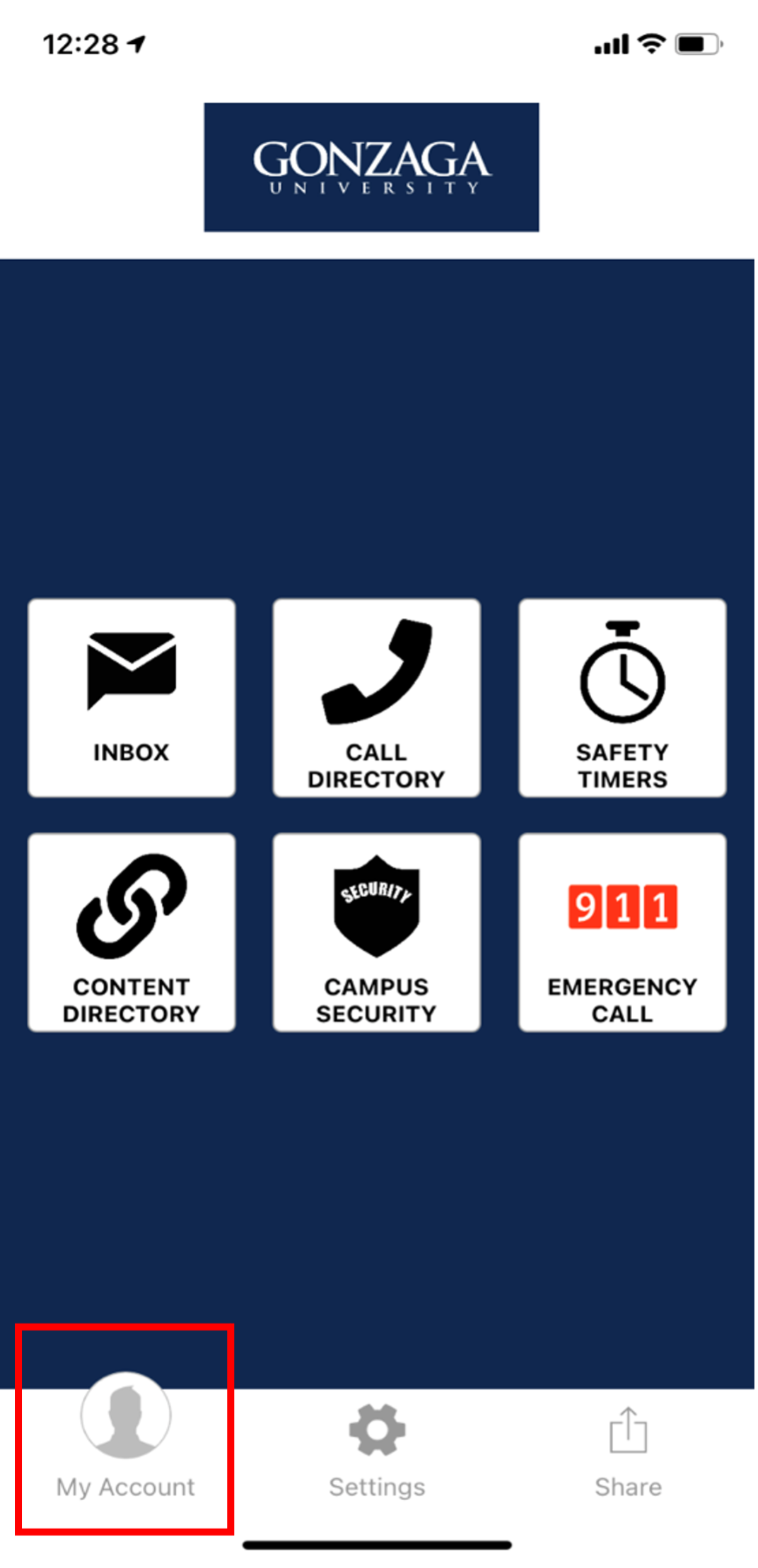
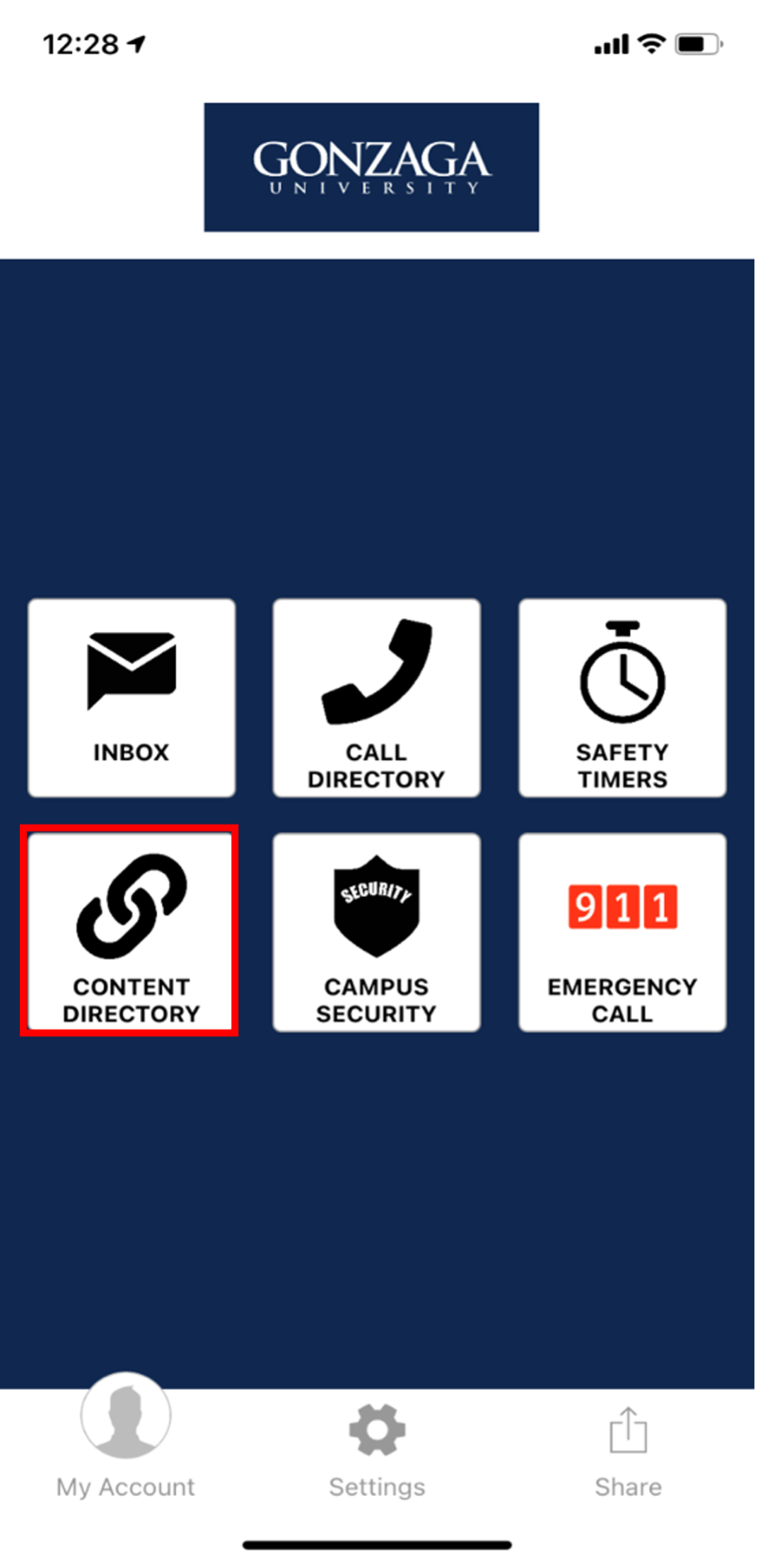
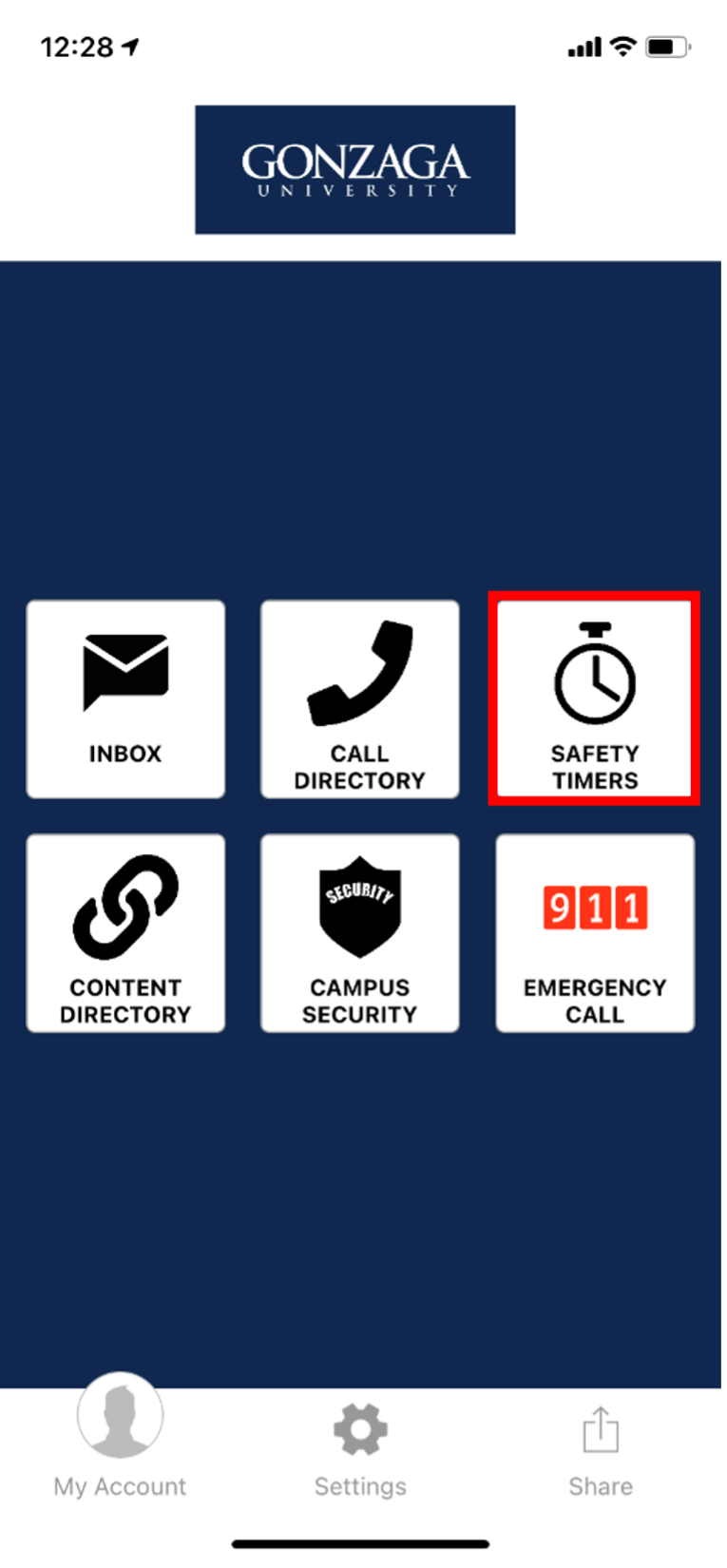
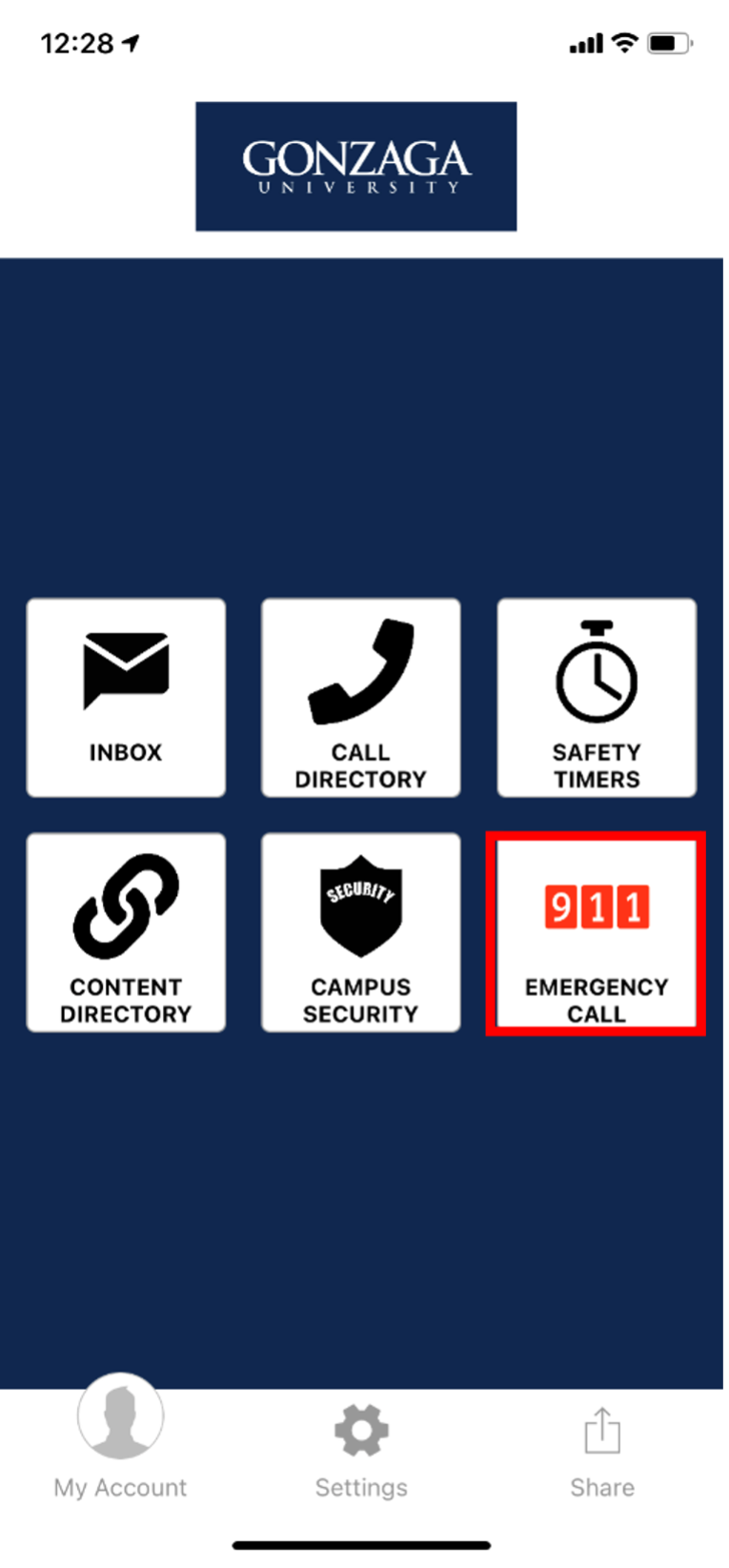
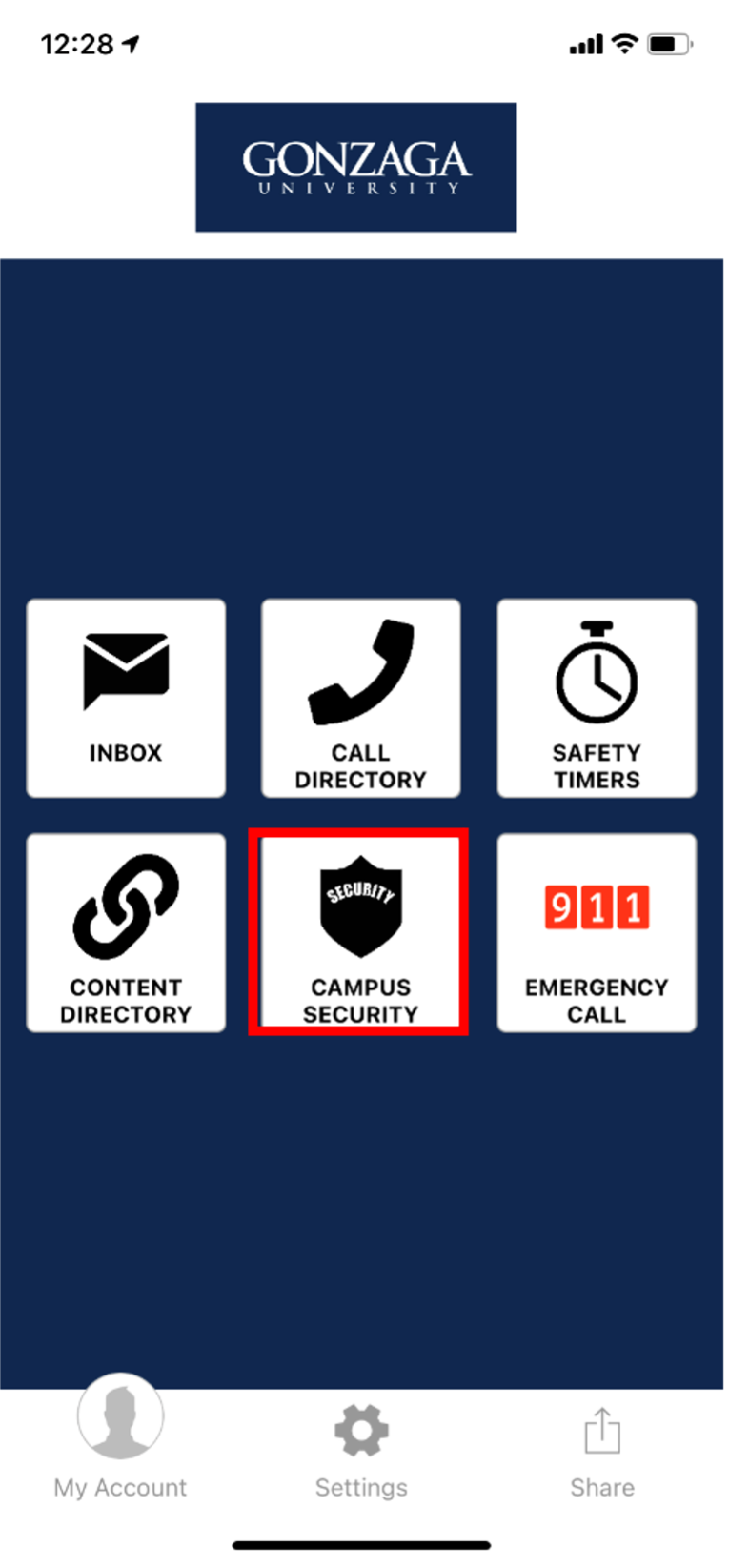
The Rave Guardian app is the new Gonzaga University personal safety application. We encourage Gonzaga students, faculty, and staff to download the new Rave Guardian app. It provides users with six key features to improve campus safety: an inbox, safety timers, call directory, content directory, campus security quick links, and an emergency call functionality. A short description of each feature is listed below.
Inbox: Receive emergency alerts in the event of a major life safety incident on campus.
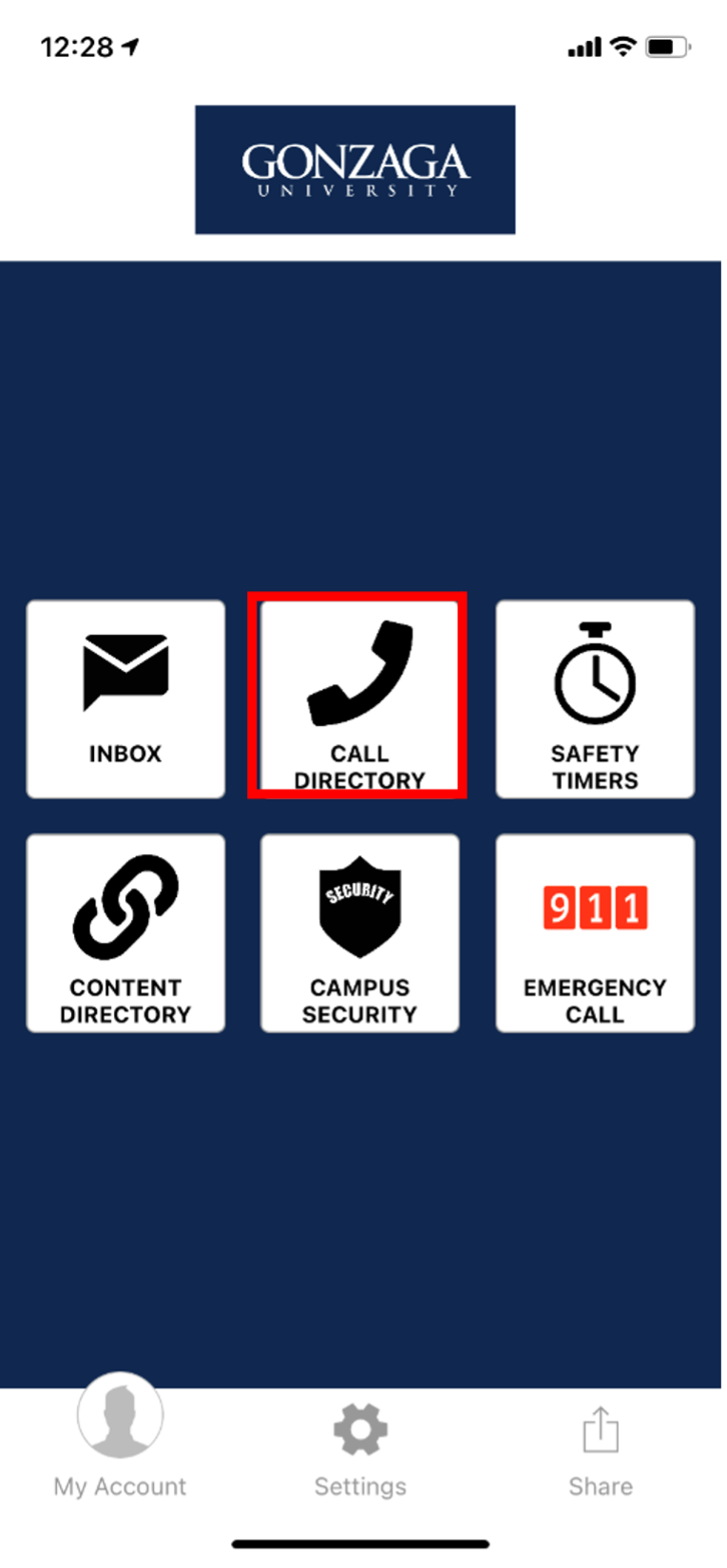
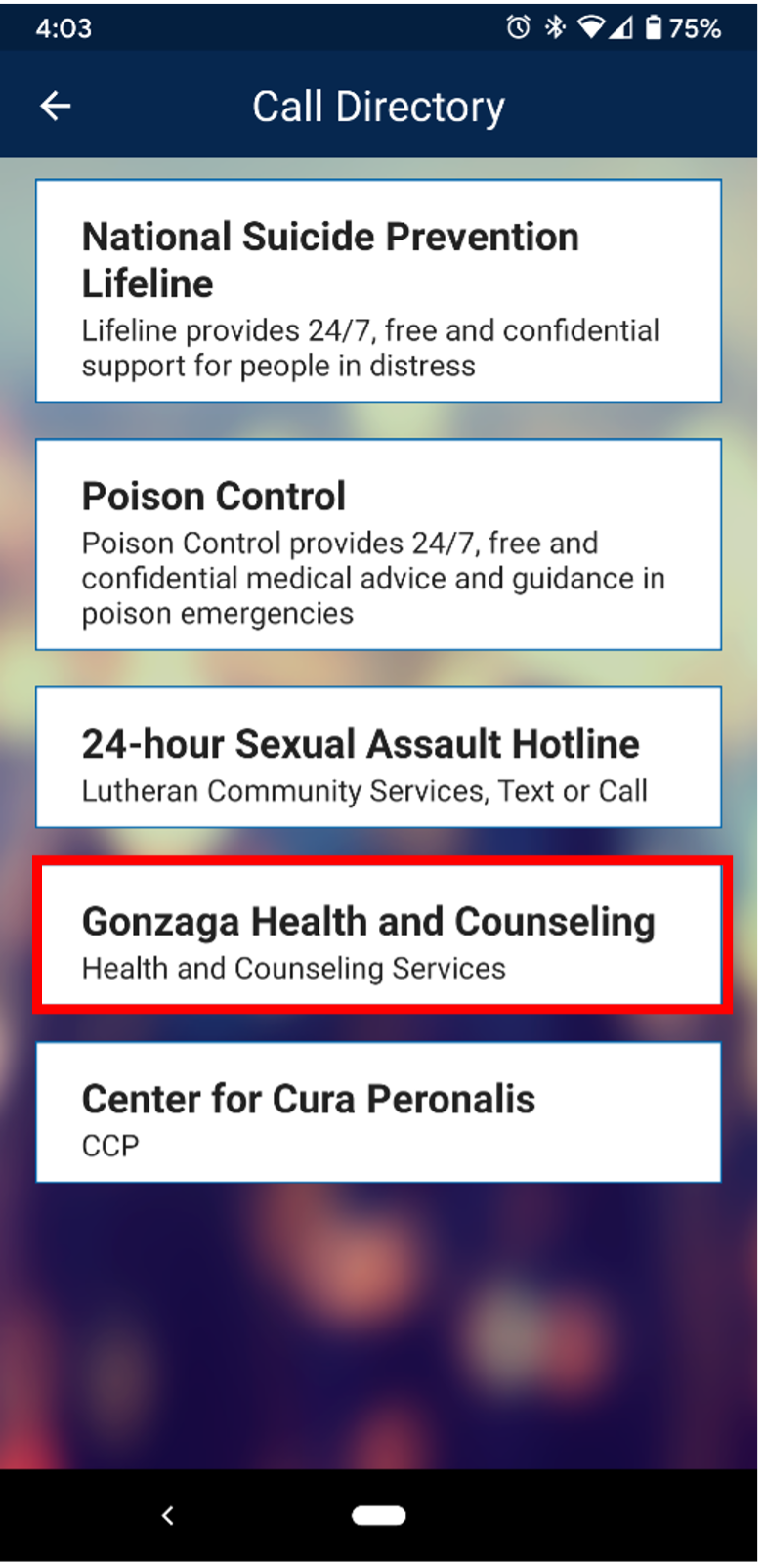
Call Directory: The call directory provides a list of internal and external phone numbers that could be important to have on demand in a life safety situation these include: The National Suicide Prevention Lifeline, Poison Control, Gonzaga Health and Counseling, the Center for Cura Personalis and the 24-hour Sexual Assault Hotline.
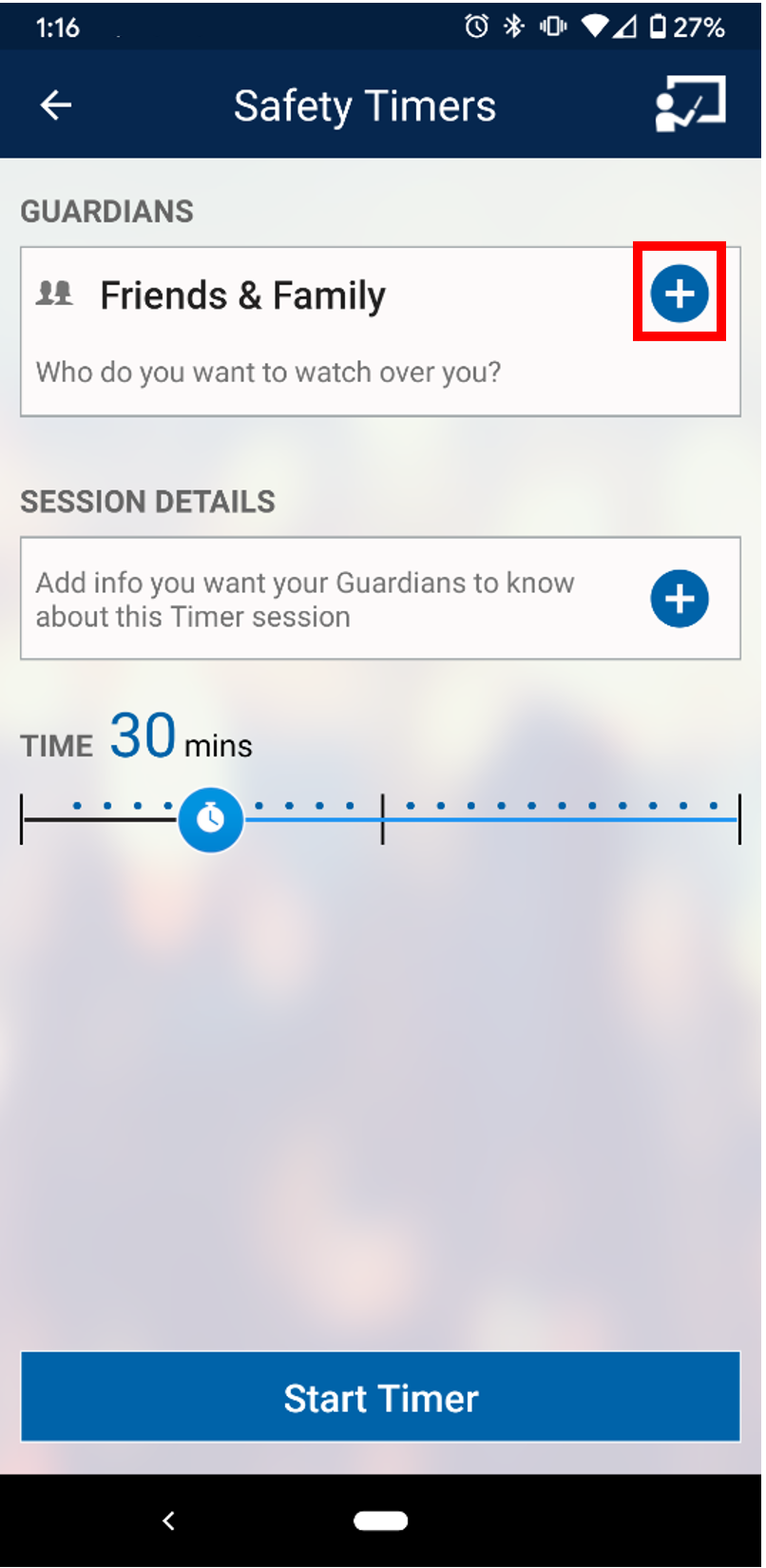
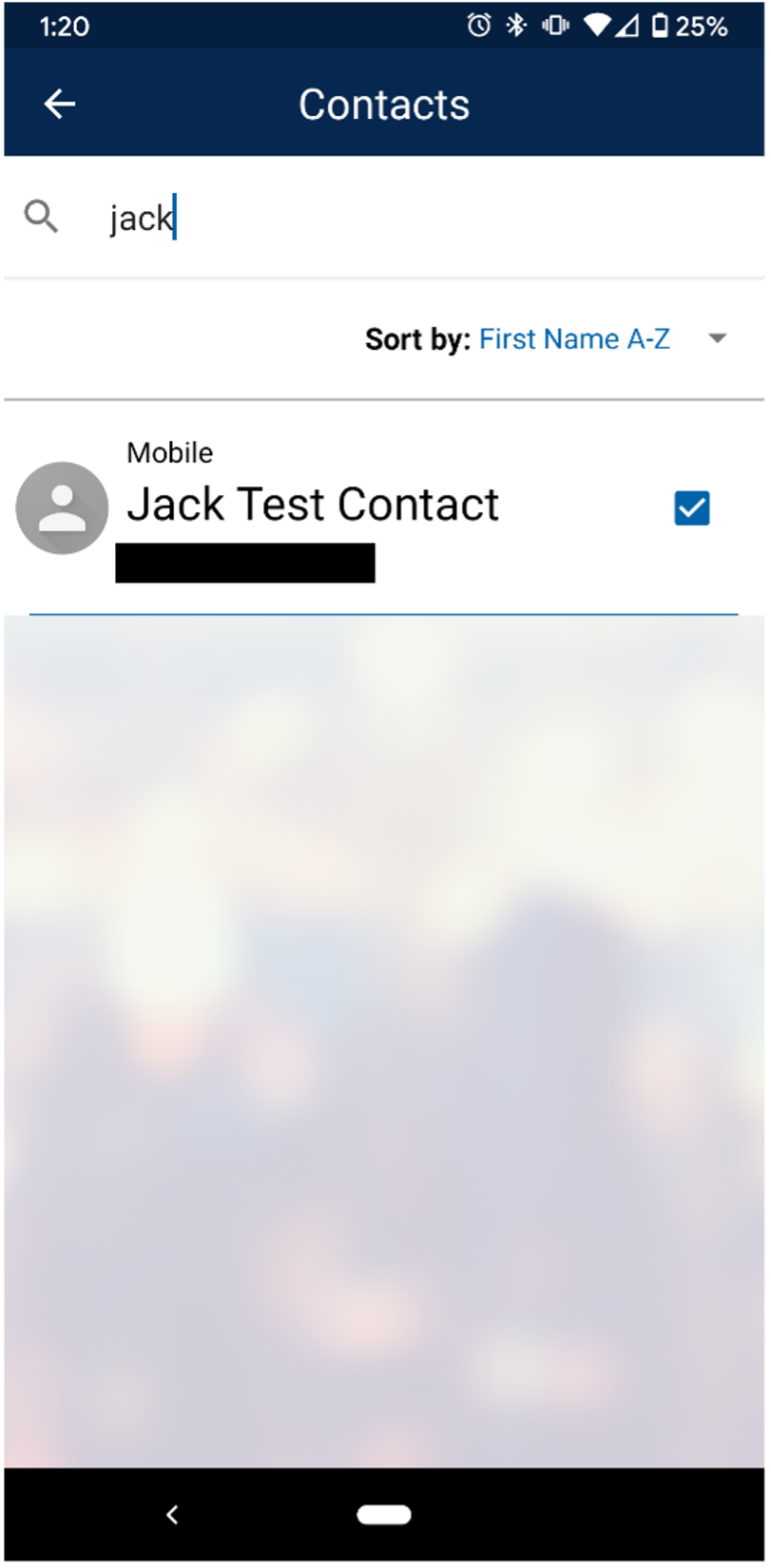
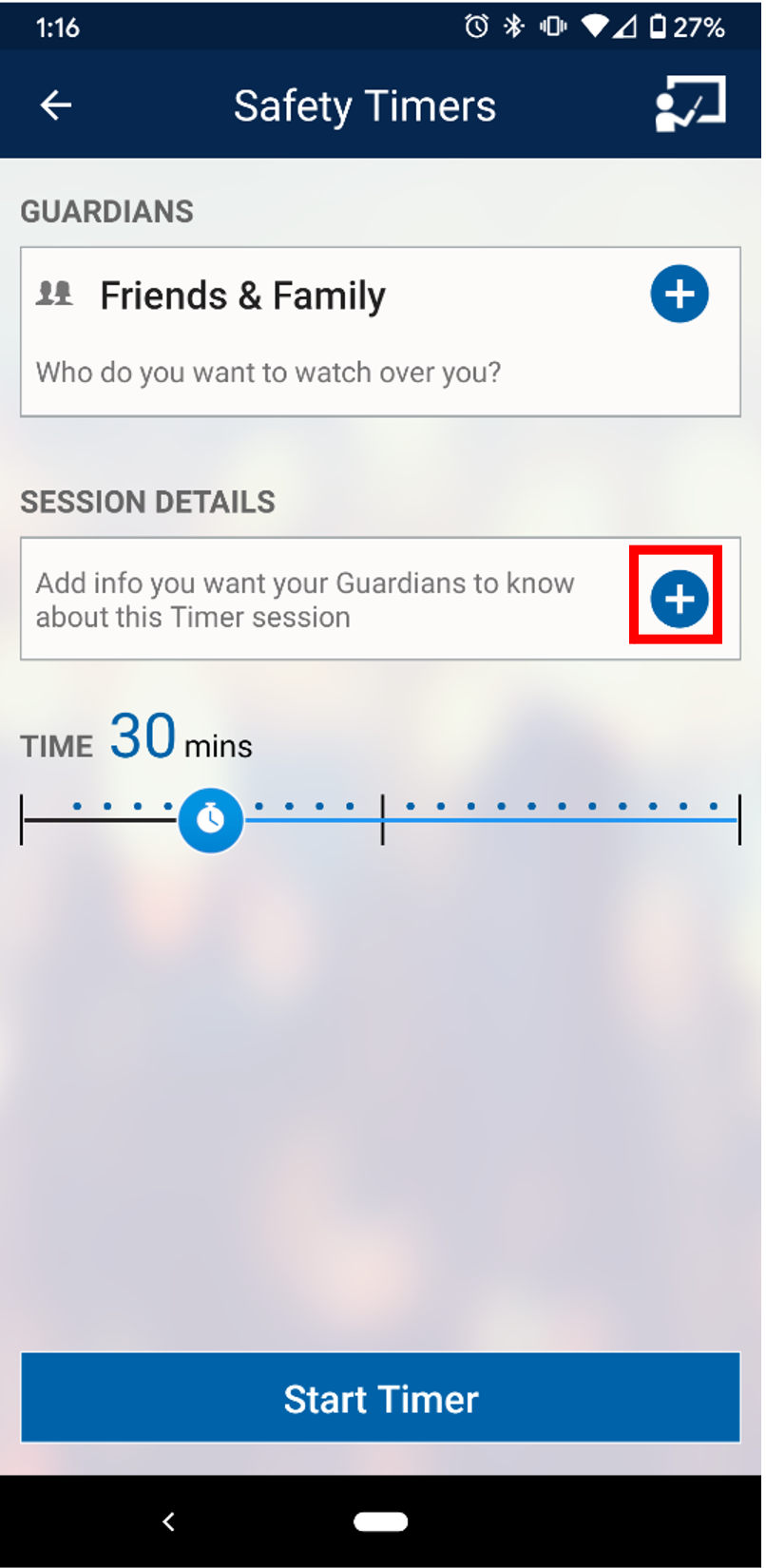
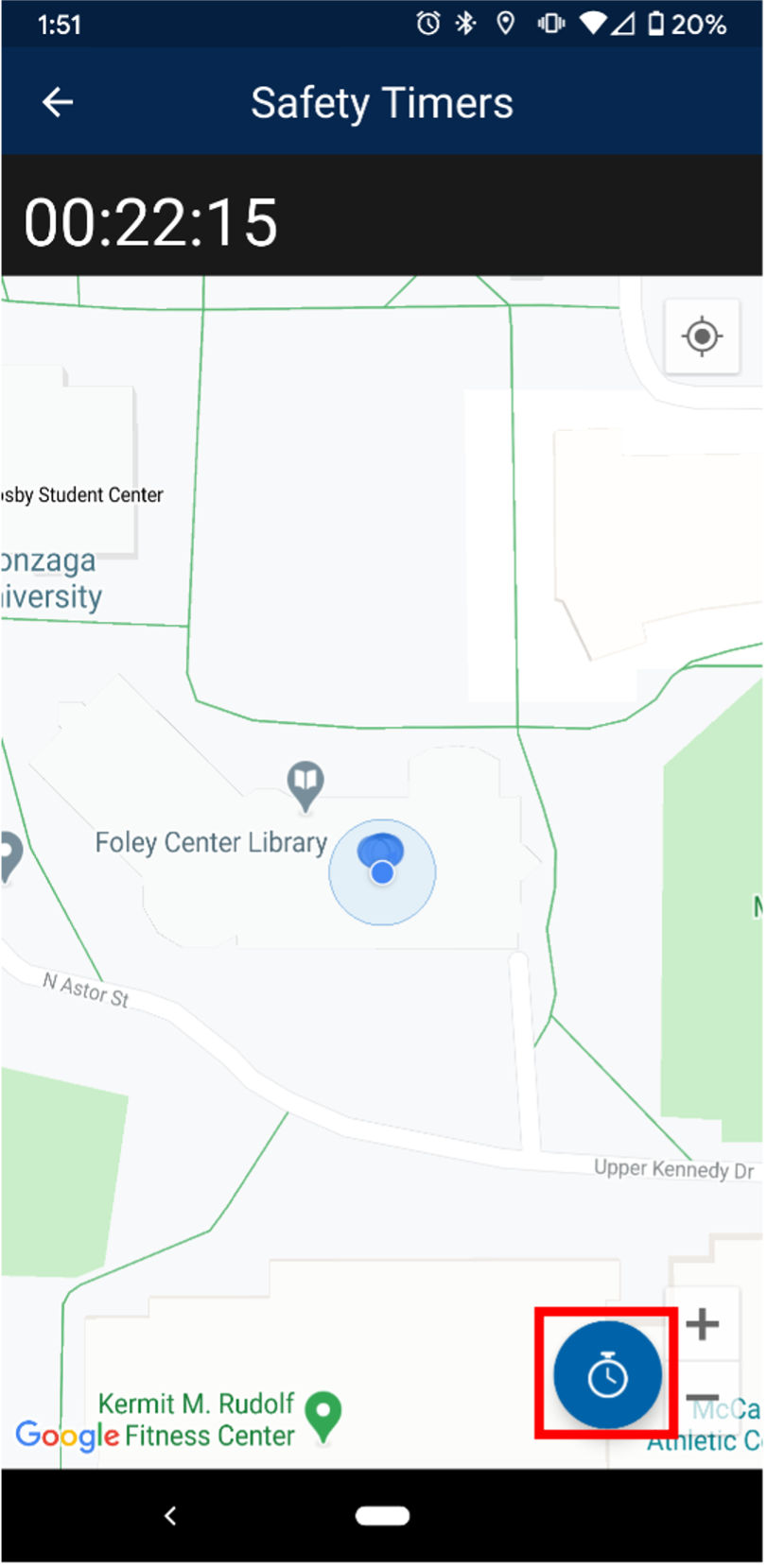
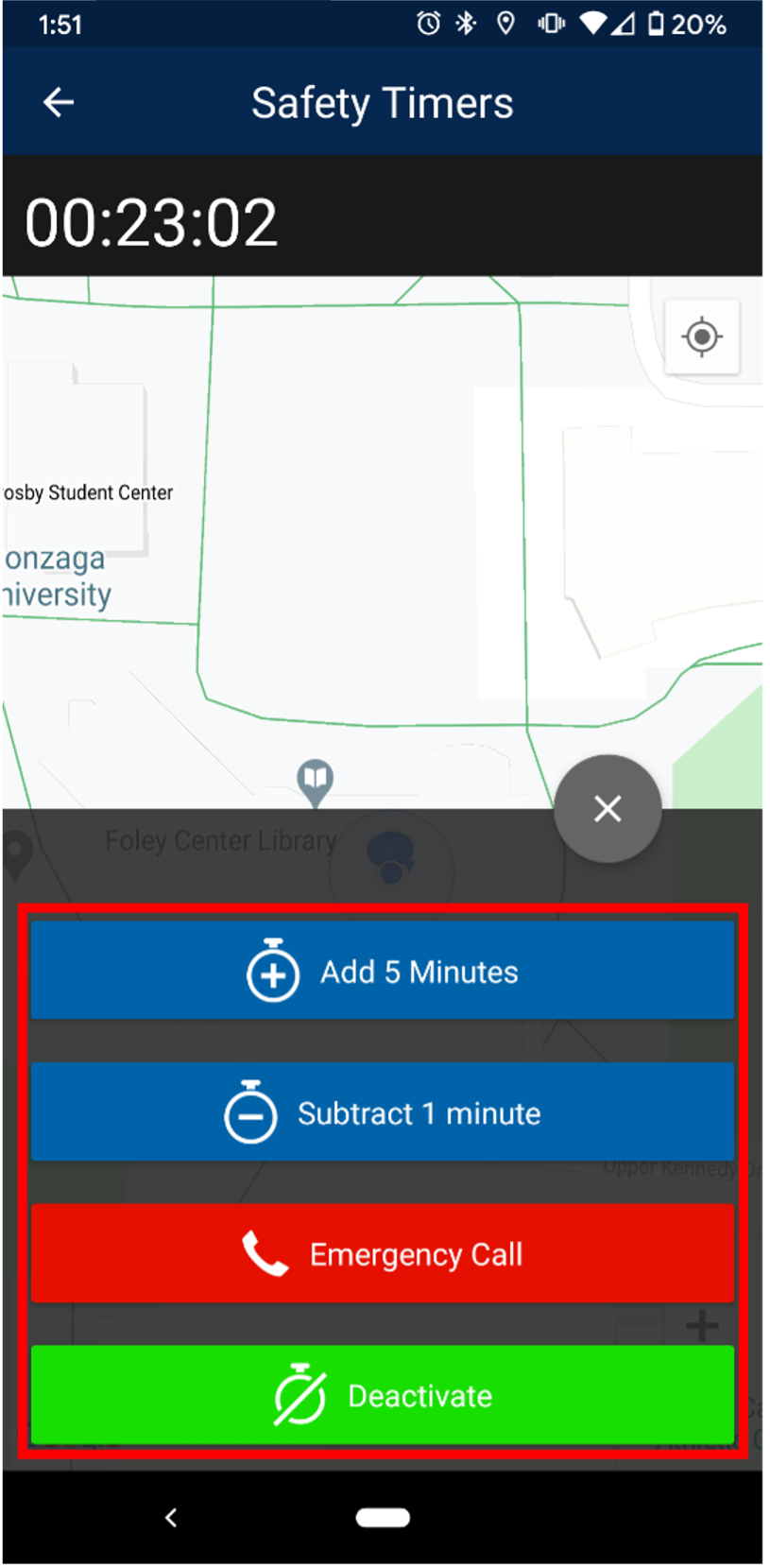
Safety Timers: The Safety Timer feature allows you to request an emergency contact to keep a “virtual” eye on you while you travel from place to place on campus through geolocation. This functionality allows you to always have a “Guardian” by your side to ensure your safety.
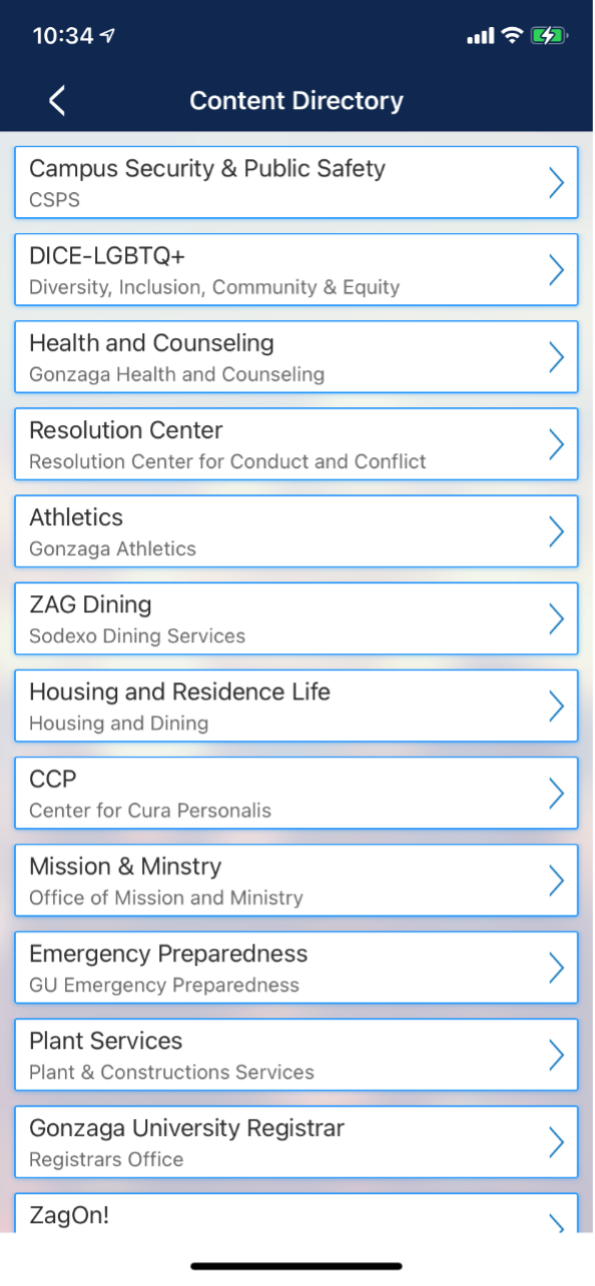
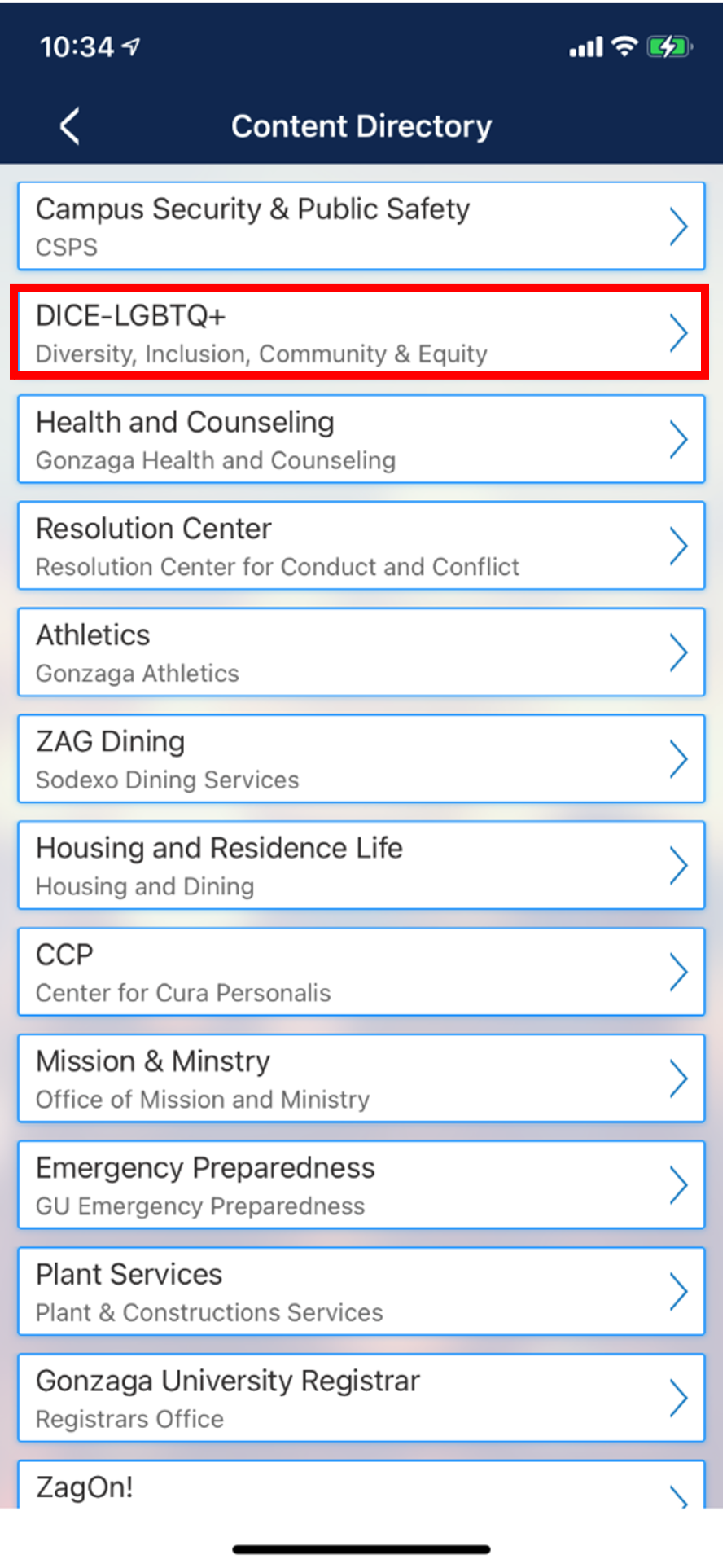
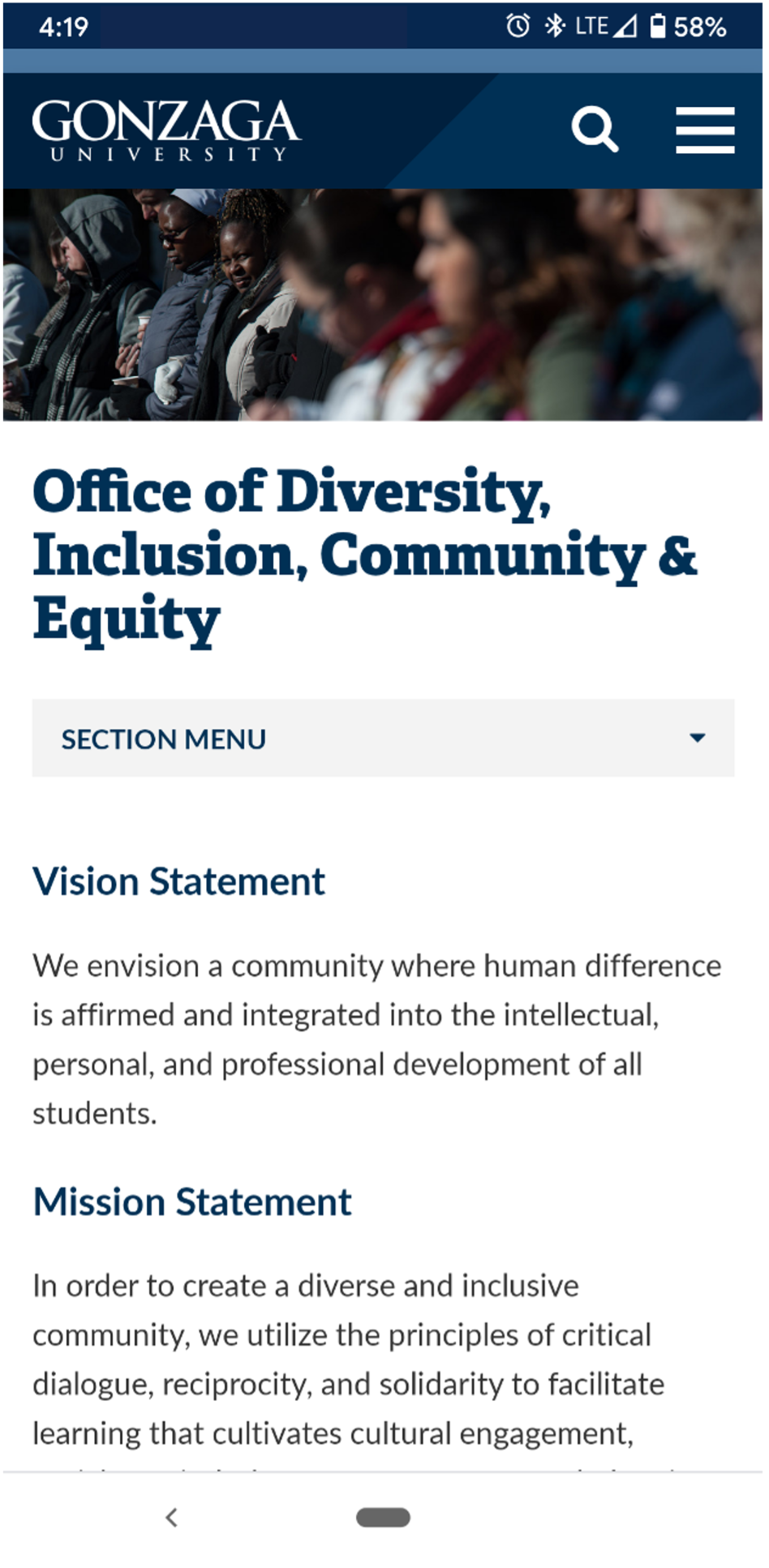
Content Directory: The Content Directory is a repository of links to Gonzaga University resources, ensuring you always have access to the sites and content you might need.
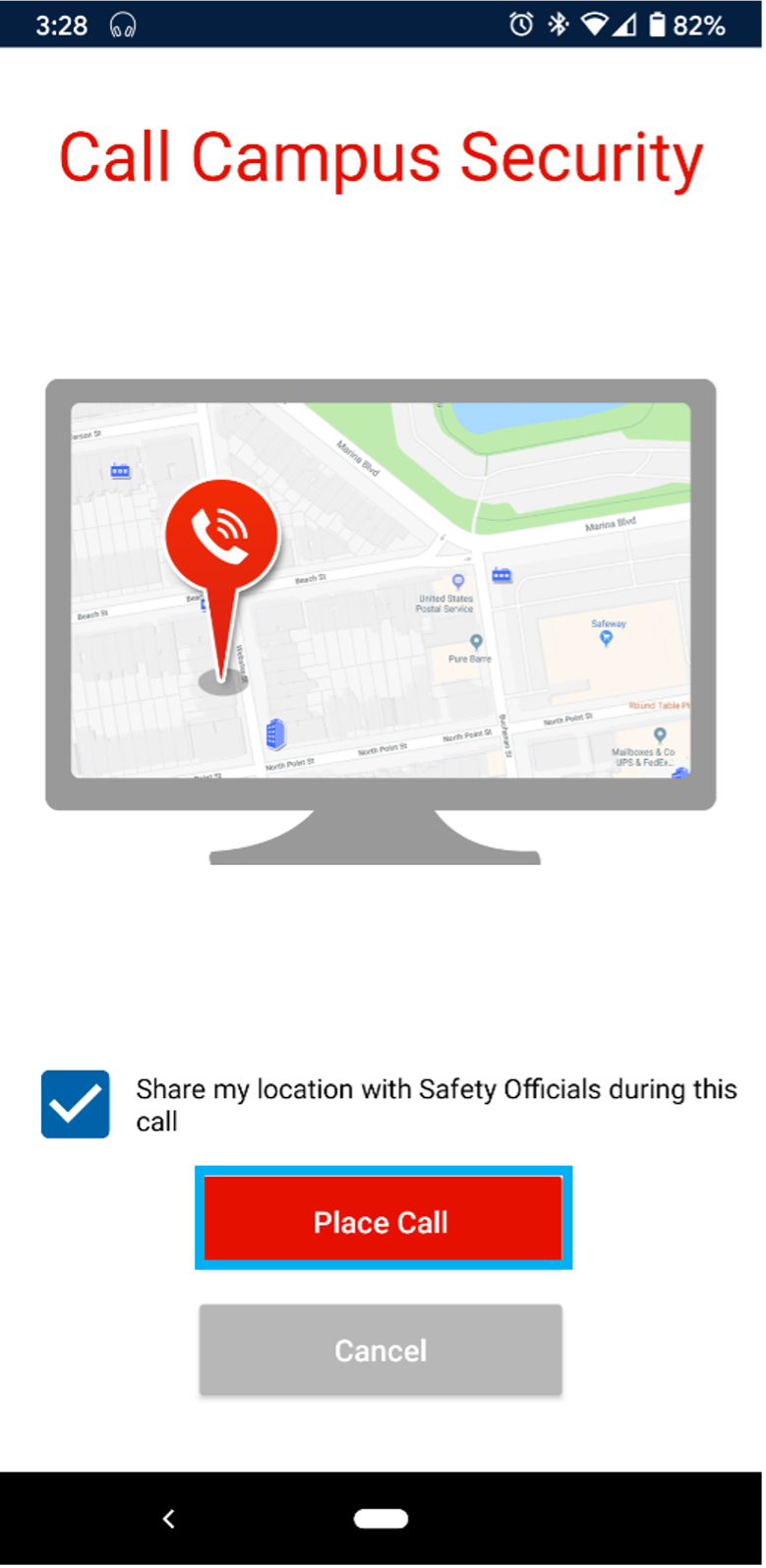
Campus Security Call: This feature allows you to quickly call Gonzaga Campus Security when you are in need of their services.
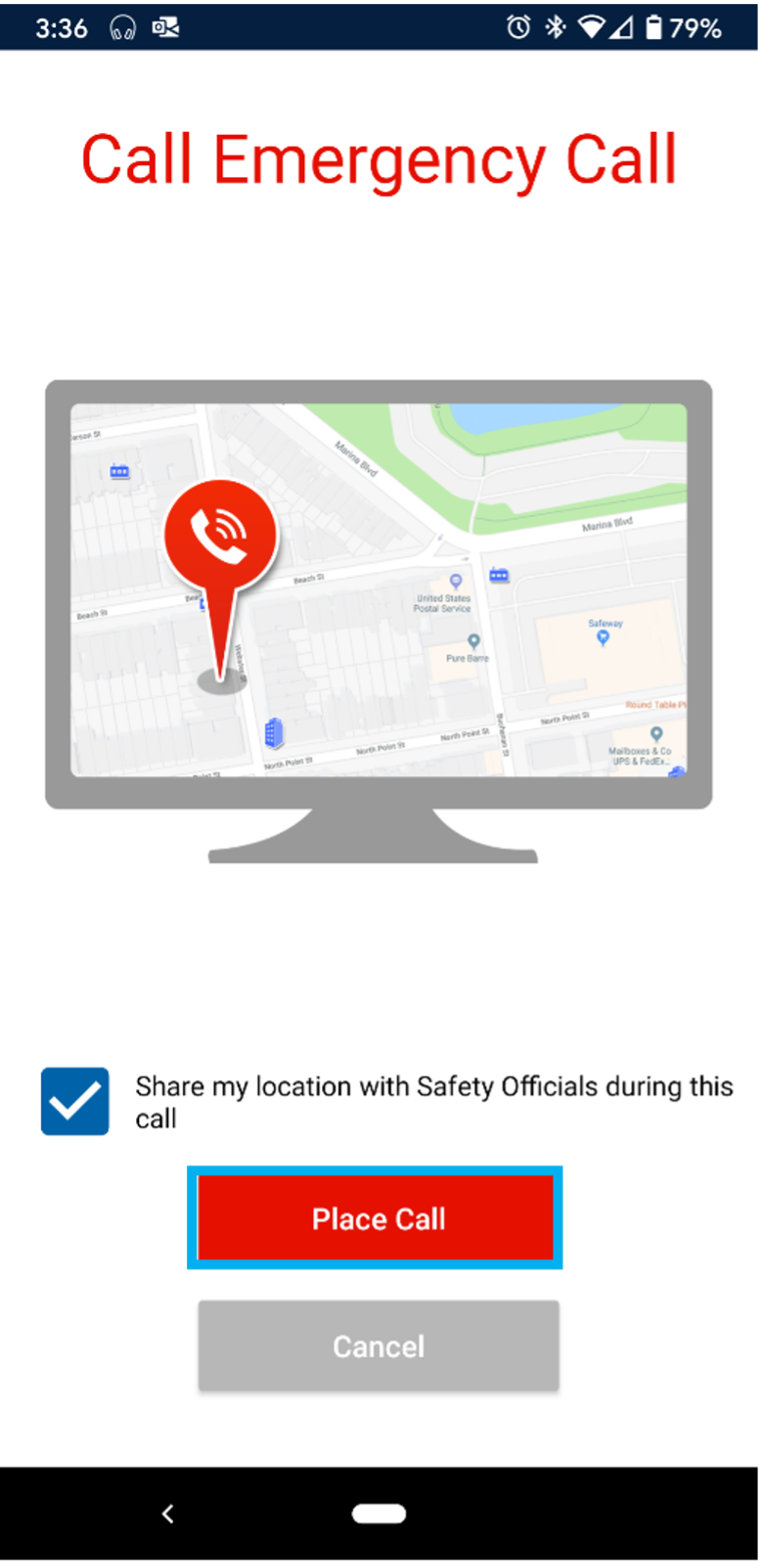
Emergency Call: This feature allows you to quickly call (9-1-1) in case of an emergency.