
Download the New Zag Nation App Today
Connect with Zags
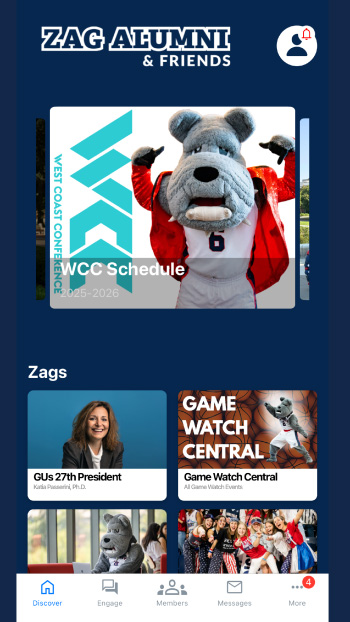
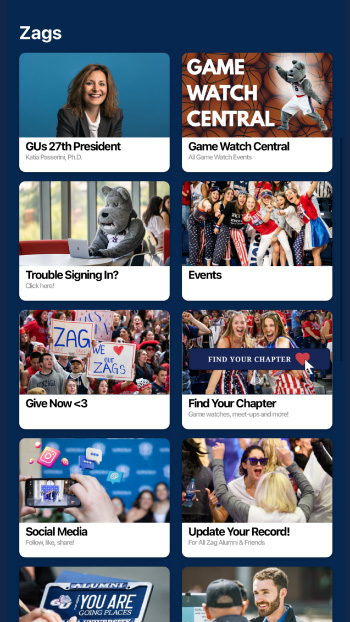
Stay up to date on events, enjoy exclusive giveaways and never miss a game watch. The Zag Nation app is for everyone in the Gonzaga community — students, alumni, faculty, staff and friends.
How to Log In
- Download the latest version of the app from your app store: GooglePlay or Apple App Store
Even if you’ve used the app before, you’ll need to install the updated version. Enable notifications to stay connected — and for a chance to win exclusive Gonzaga giveaways. - Open the app and either sign in or create an account
Select Sign In in the upper right corner to either sign in or create account. After creating your account, you’ll remain logged in. If you log out, simply choose the sign-in icon the next time—no need to recreate your account.
Having Trouble Downloading the App?
Contact the Office of Alumni Relations at alumni@gonzaga.edu.