
Rosauer Center Goes Wireless
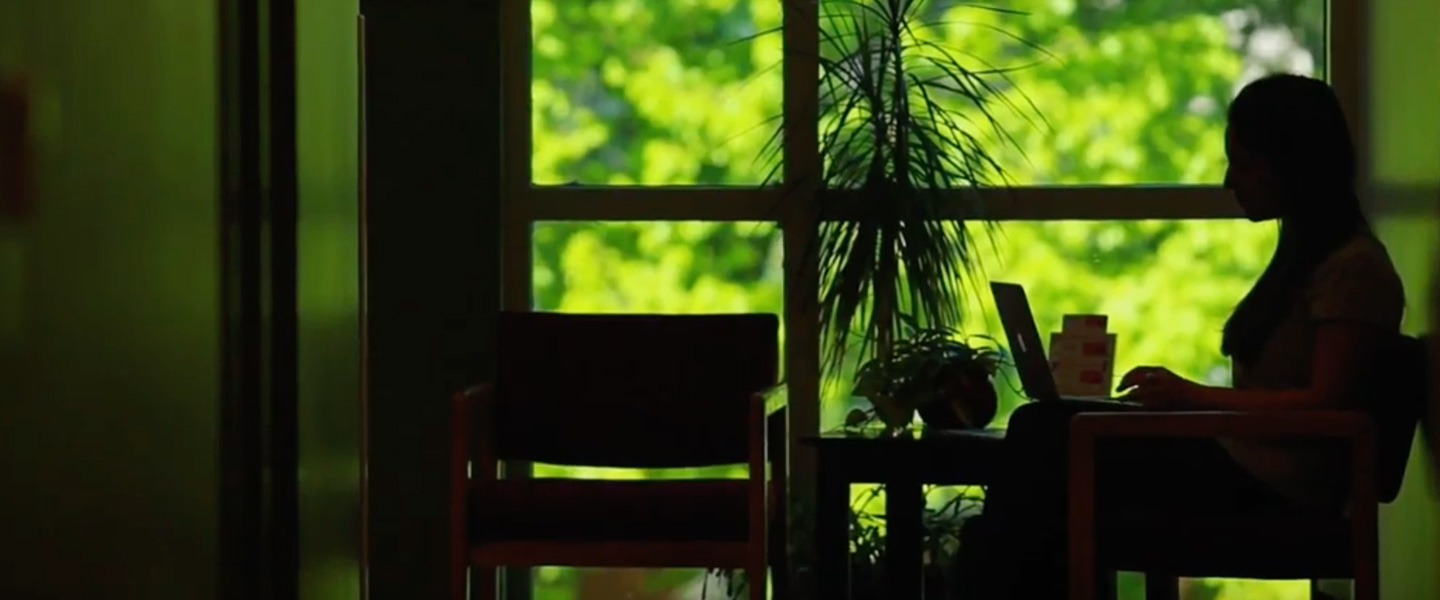
Announcing wireless Internet access anywhere in Rosauer Center.

What Do I Need:

  • A laptop/notebook computer
  • An approved wireless network card - approved cards are available through the bookstore (The University only supports cards from Avaya and Orinoco, or AirPort cards for Macintosh)
  • Windows 2000 or XP Operating System, or Macintosh OS 9 or higher
  • Up to date virus protection software

    How Can I Get Connected:

  • Installation support is available Tuesday and Thursday mornings
  • Please call the University Computer Help Desk - Ext. 5550 or 313-5550 - to schedule an installation time
  • You will need to bring your laptop or notebook to the Foley Center at your scheduled time. You can leave it there and return to pick it up when the installation is finished.
  • University technicians will only install the network card and ensure your computer can connect to the wireless network

    Other Questions and Answers:

  • I already have an approved wireless card that I've been using on campus. Will it work in Rosauer Center? Yes. All cards that have been configured to work on campus will work in Rosauer Center.
  • Where else is wireless access available? Wireless access is currently available in the Law School, Foley Center, and portions of the School of Engineering.
  • Is there a charge for installation? No, technicians will connect your computer to the network as a free service within the time frames listed above as long as your laptop/notebook meets the minimum specifications.
  • I don't want to buy a wireless network card. Is there any way to access the Internet in Rosauer Center without one? Yes, networked computers are available in the lab on the lower level.
  • What resources can I access? You can access the Internet through this connection. Access to printing or user files on Barney is not available at this time.
    Call 5550/313-5550 for an Appointment!

Rosauer Center Goes Wireless!